




Zumo Spin Mobile Casino Application
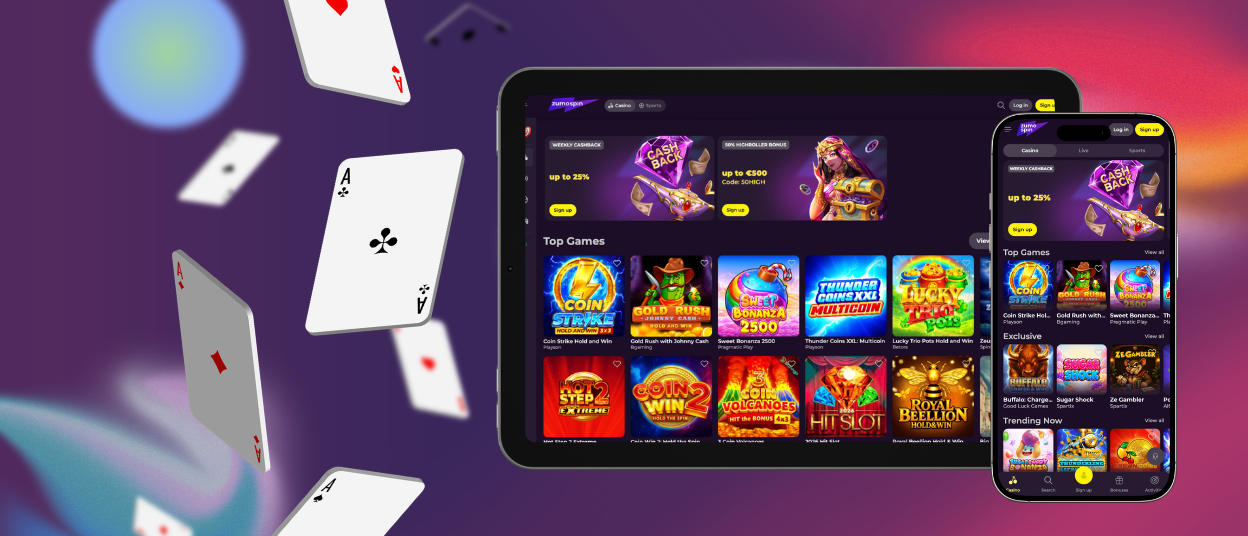
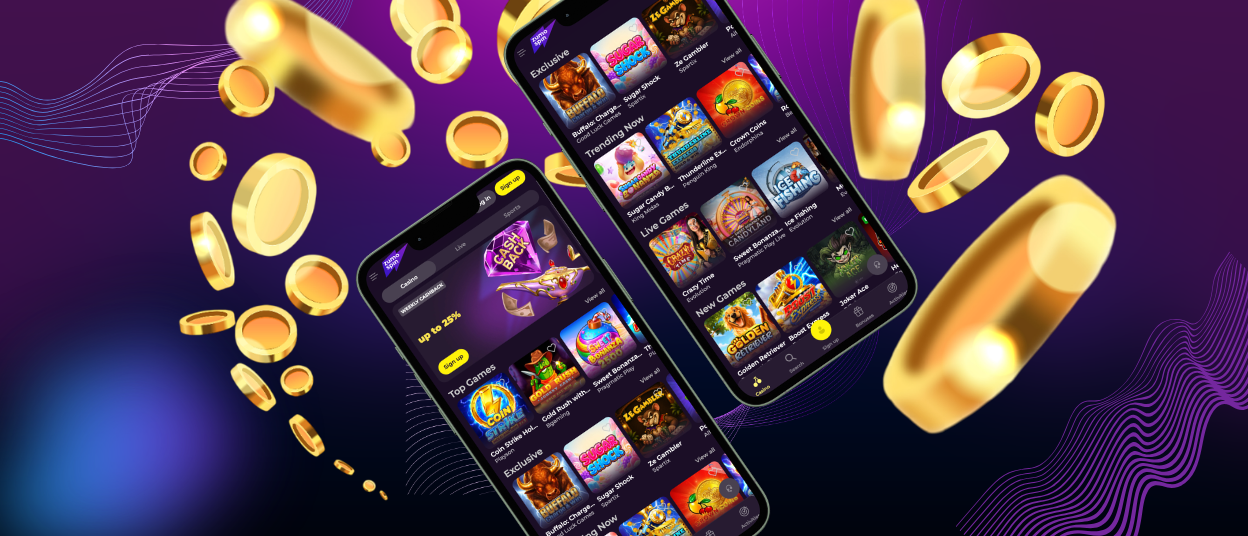
At Zumo Spin, we harness the latest technology to keep your casino experience at your fingertips. Our mobile app allows you to start your favorite games with one tap from your smartphone’s home screen. The interface is responsive on any device and operates perfectly.
Games and account settings open instantly as you move through the app. Our mobile version includes all the same features as our desktop platform, with the full Zumo Spin experience optimized for phones and tablets.



Zumo Spin Mobile Play
With ZumoSpin, you can have the full gaming experience anywhere you have internet access. The app has the same features as the browser version, with the same bonuses and slots online.
Your account syncs between devices, so you can switch screens without losing any progress. The desktop version is better for long sessions, as you have more screen real estate. The app is supposed to be portable, providing instant access and notifications for important events.
| Feature | Zumo Spin App | Desktop Version |
| Where You Play | Available anywhere with an internet connection. | Best suited to home or office use. |
| Navigation | Touch-optimized interface with quick access to games and payments. | Designed for keyboard and mouse navigation. |
| Notifications | Instant updates for bonuses, tournaments and account activity. | Notifications follow your browser or email settings. |
| Performance | Opens quickly and keeps your account synchronized across devices. | Strong performance with a larger viewing area. |
ZumoSpin for Android
Our app works on any Android device with a stable internet connection. The platform runs as a web app and gives you access to high-quality live dealer games anytime. The Zumo Spin Android app updates automatically, so you always use the latest version.
Secure Access Through PWA Technology
ZumoSpin uses Progressive Web App (PWA) technology instead of traditional APK files. You install the app directly from our official website and add it to your home screen. This keeps the installation process away from suspicious third-party files.
The PWA uses minimal storage space while delivering the same core features as the desktop version. Zumo Spin mobile access also provides an identical level of security as our desktop platform.
Modern devices support Face ID or fingerprint authentication in our PWA for faster, more secure access without entering your password every time. Strict password requirements and two-factor authentication add another layer of account protection. We use state-of-the-art measures to secure all account data.
Zumo Spin Web App for iPhone and iPad
iPhone and iPad users access our software without searching the App Store. The Zumo Spin iOS app is a web app available directly through our website. You do not download files to your device; you simply create a shortcut. The app supports every available payment method and lets you complete verification from your device.
The iOS version delivers the same features as our desktop platform, with controls optimized for touchscreens.
Add Zumo Spin to your iPhone or iPad home screen:
- Open the official ZumoSpin website in Safari.
- Tap the Share icon at the bottom of the screen.
- Select “Add to Home Screen.”
- Tap “Add” to confirm. The Zumo Spin icon then appears on your home screen.
Zumo Spin on Windows and macOS
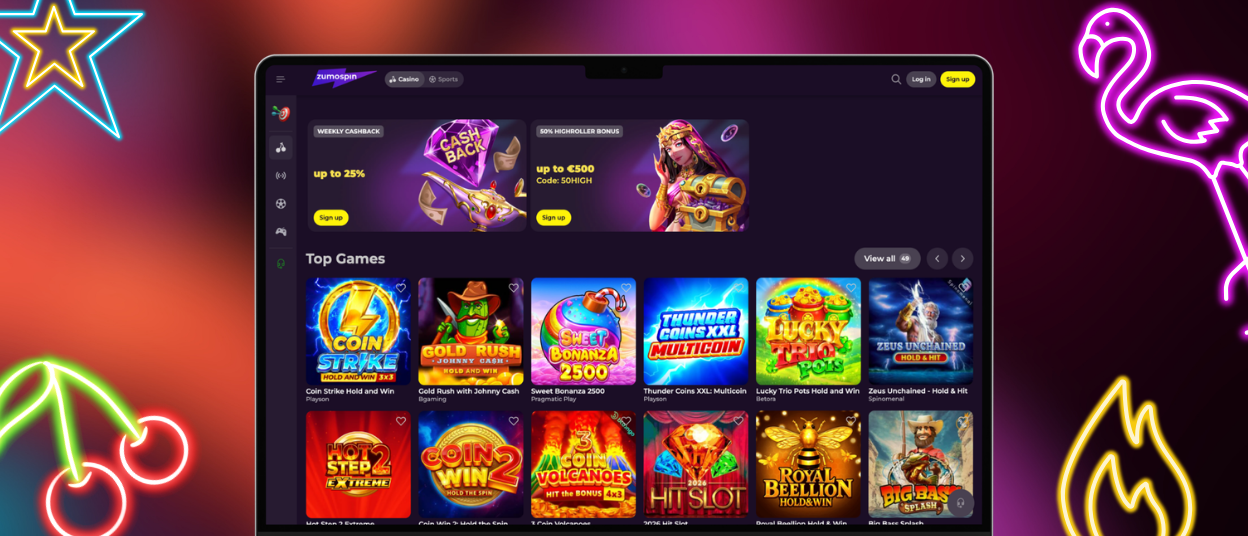
All ZumoSpin features are available on Windows and macOS without installing software. Open our official website in any modern browser to access the full casino game selection and sports betting.
For quicker access, create a Zumo Spin shortcut on your desktop. It is a full-screen application and opens the online casino with a click.
The menu and interface are designed to work best on larger computer screens and with better viewing quality. This format gives you more room to complete verification and follow promotions.
Zumo Spin desktop version is for longer sessions. The larger screen is better for viewing, especially if you’re playing live dealer games or have multiple sections open at the same time.
Zumo Spin App FAQ
Do I use the same Zumo Spin account in the app and on PC?
Yes, ZumoSpin Casino has a single account across all platforms. The same email and password you use on desktop work in the app, and the dashboard is always in the same state, no matter what device you last used. Mobile deposits will show in the transaction history on the desktop and vice versa.
Does the app support verification document uploads?
Yes, the verification section of the account dashboard is fully accessible through the ZumoSpin app. Photos taken directly with the phone camera upload immediately without first transferring files to a computer. You submit government-issued ID and proof of address through the same process, and the review works exactly as it does on desktop.
Does removing the Zumo Spin Casino app affect my account?
The PWA is a shortcut to the platform. Removing the icon from the home screen or uninstalling the PWA has no effect on the account, balance, transaction history, or bonuses.


